
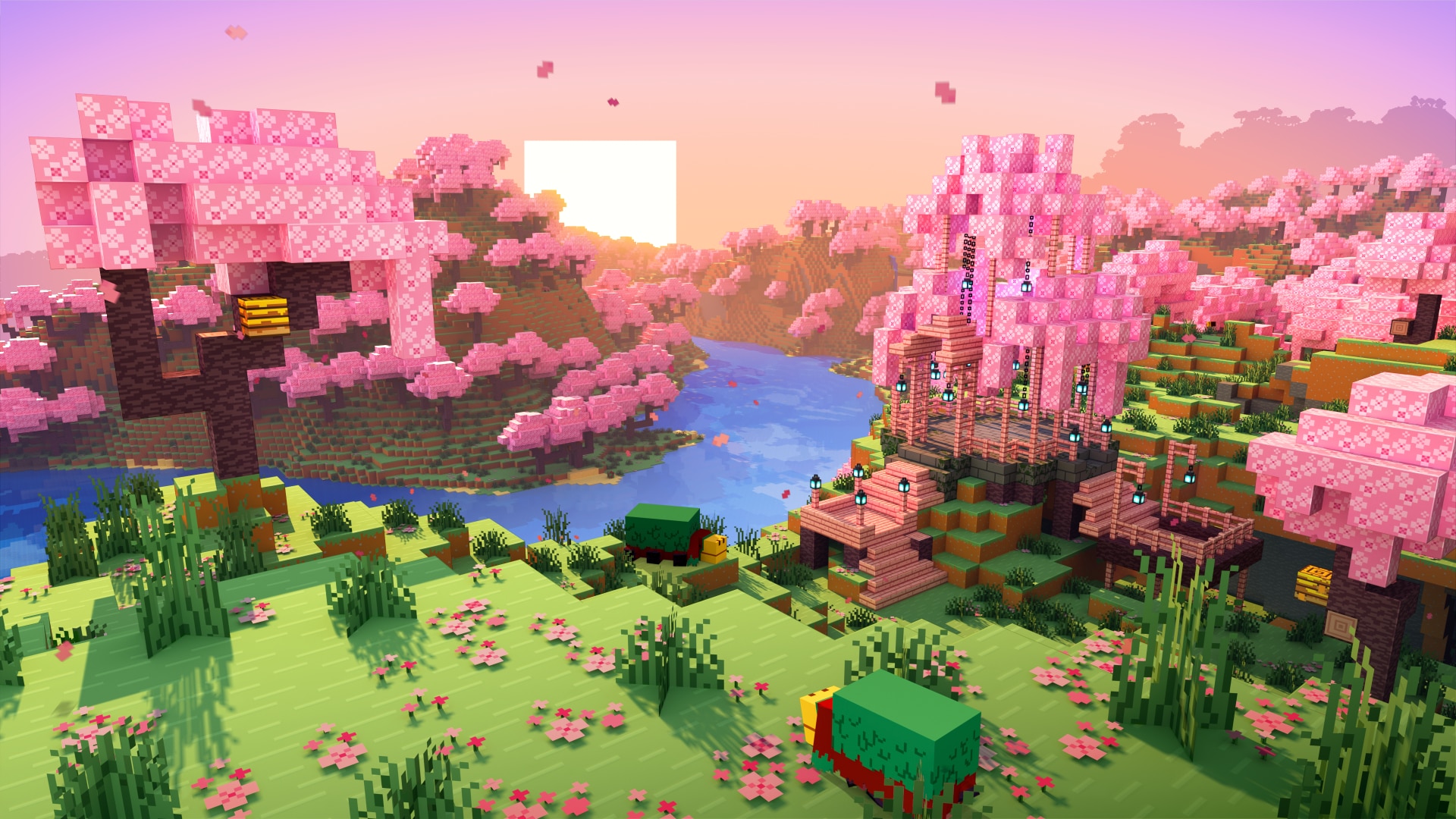
Building a Minecraft Server Players Actually Stay On
A great Minecraft server is more than strong hardware. It’s about smart choices before launch. Mods, textures, terrain, and hosting all shape performance and player experience. When those pieces fit together, players stay longer and explore further. When they don’t, lag appears fast.
Minecraft continues to draw a global player base, with servers running active communities around the clock. That scale proves one thing: people value stable multiplayer worlds.
As Henry Ford once said, “Before everything else, getting ready is the secret of success.” Preparation matters here, too.
Choose Content That Supports Stability
Many server owners rush to install the best Minecraft modpacks they find online. Large packs look exciting. They promise automation, magic systems, and new dimensions. But each added mechanic increases entity updates and memory use.
The same logic applies to visuals. The best Minecraft texture packs improve immersion, yet high-resolution assets demand more from client systems. On servers with many concurrent players, that strain multiplies.
More features don’t always mean a better server.
Before you install anything, quickly sanity-check it with these three questions:
- Does this mod add constant background processes?
- Will players use it daily or only occasionally?
- Does it require frequent chunk loading?
Understanding what each addition changes helps you avoid unnecessary issues later. Simple designs tend to perform better over time. The same applies to terrain generation.
Keep your setup lean. Expand it step by step.

Seeds Shape Long-Term Performance
World generation influences server load more than many administrators realise. The best Minecraft seeds often showcase dramatic mountains or rare biome combinations. They look impressive in screenshots. They also demand more processing during exploration.
Chunk generation remains one of the most resource-intensive background tasks in Minecraft’s engine. When five players explore in opposite directions, the server must generate and update multiple regions simultaneously.
According to Mojang developer notes, chunk generation spikes CPU usage significantly during early world expansion phases. That spike becomes noticeable under multiplayer load.
As Steve Jobs often pointed out, simplicity requires intention, and the same applies to world design.
Not all terrain affects a server the same way.
Flat or balanced landscapes usually create the least strain. They generate quickly and keep CPU usage steady during exploration. These worlds may look simple, but they offer reliable performance, especially in the early stages.
Mixed biomes add more visual variety. Forests that blend into deserts or mountains near the ocean look impressive. However, this complexity requires additional processing when new chunks load. The impact is not dramatic at first, but it becomes noticeable as more players explore.
Extreme mountain ranges and highly detailed terrain push the system hardest. Tall peaks, deep caves, and sharp biome transitions increase generation time and background calculations. When several players travel in different directions, the load can spike quickly.
Choosing controlled terrain near spawn helps maintain consistent tick rates during early growth. A stable beginning gives your server room to expand without unexpected slowdowns.
Infrastructure Makes the Difference
Even thoughtful design needs solid infrastructure. Choosing the best hosting options for Minecraft servers helps your world stay stable under real player load.
Look for providers that offer:
- Dedicated CPU cores
- NVMe storage
- Scalable RAM
- Strong network routing
A 2024 hosting survey by Datanyze showed that servers using NVMe drives reduced chunk loading times by up to 20% compared to SATA storage. Faster storage directly impacts world generation speed.
As Jeff Bezos once said, “What’s dangerous is not to evolve.” Infrastructure should scale as your player base grows.
View distance and simulation settings also matter. Lowering them slightly can stabilise performance without harming gameplay.

Plan Before You Launch
A stable server rarely happens by accident. It’s the result of careful planning and controlled expansion.
Test your world with a small group first. Monitor CPU, RAM, and tick rate during exploration. Adjust settings before inviting a larger audience.
Focus on:
- Balanced terrain
- Thoughtful content additions
- Reliable hosting
- Measured player growth
Players notice stability. They also notice when performance slips.
Final Thoughts
A Minecraft world becomes memorable when it runs smoothly. Flashy features attract attention. Stability keeps people coming back.
Choose terrain wisely. Add content with purpose. Invest in infrastructure that supports exploration.
Preparation may not be visible, but players feel the results.


